
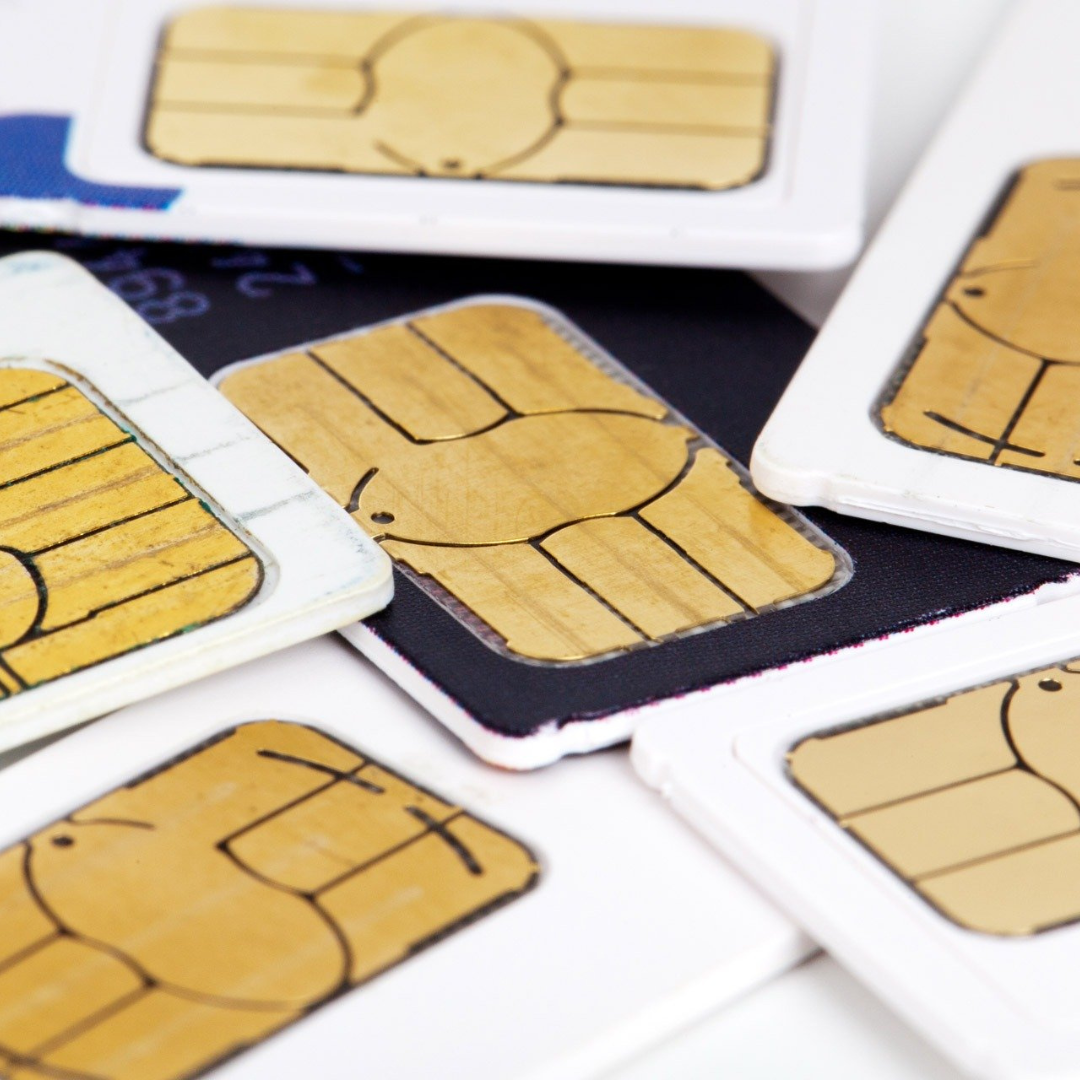
You use it every single day. You put it in your phone, switch it between devices, and sometimes even lose sleep when it stops working. But have you ever stopped and wondered what SIM actually stands for? Most people have no idea. They just know it is that tiny card that lets them make calls and use the internet. So let us start from the beginning and cover everything about a SIM card in the simplest way possible.
What Is the Full Form of SIM?
The full form of SIM is Subscriber Identity Module. Every single word in that name tells you something important, so let us break it down.
The word Subscriber refers to you, the person who has signed up for a mobile network. When you buy a connection from Airtel, Jio, Vi, or any other telecom provider, you become their subscriber. The word Identity tells you that this card holds information that identifies you on the network. Without that identity, the network has no idea who you are or whether you are allowed to use its services. And the word Module means it is a small, self-contained unit, a chip that stores and processes information on its own.
So when you put it all together, a Subscriber Identity Module is basically a small chip that tells the mobile network who you are. It carries your unique identification details and allows the network to connect your calls, messages, and data usage to your account. Without a SIM card, your phone is essentially just a device with no way to connect to a mobile network.
The concept of the SIM card was developed in the early 1990s. The first SIM card was made by a German company called Giesecke and Devrient. It was the size of a credit card back then. Over the decades it has shrunk dramatically, but the core purpose remains exactly the same. It identifies you on the network, plain and simple.
How Does a SIM Card Actually Work?
A SIM card works by storing a unique set of numbers and data that help the mobile network recognise your device and connect it to the right account. The most important of these is something called the IMSI, which stands for International Mobile Subscriber Identity. This is a 15-digit number that is unique to your SIM card and your account. Think of it like your mobile network’s version of an Aadhaar number.
When you turn on your phone, it sends this IMSI number to the nearest mobile tower. The tower then checks with the telecom company’s central system to confirm that the number is valid and that the account associated with it is active. If everything checks out, your phone gets connected to the network and you can start making calls, sending messages, and using data.
The SIM card also stores an authentication key, which is used to confirm that the SIM card is genuine and not a copy. This is what prevents fraud and protects your number from being misused. The telecom company keeps a matching key in its own system, and the two keys work together every time your phone connects to a tower. If the keys do not match, the network simply refuses the connection.
Your SIM card can also store a small number of contacts and SMS messages directly on the chip. This is why when you move a SIM card from one phone to another, some of your contacts and old messages sometimes come along with it. However, most modern smartphones store contacts in the phone’s internal memory or on a cloud account, so this feature is used less than it used to be.
The entire process of connecting to a network happens in a fraction of a second every time you power on your device or move from one area to another. It is seamless and invisible, but a lot is happening behind the scenes.
Types of SIM Cards You Should Know About
SIM cards have changed a lot over the years. The first ones were the size of a credit card, which was clearly not practical for everyday use. Since then, the industry has gone through several generations of SIM card sizes, and today we also have completely digital SIM options. Here is a breakdown of the different types.
Standard SIM was the original size that most people used in the early days of mobile phones. It measures 25mm by 15mm. You will not find many phones that use this size anymore, but it was the standard for many years and set the foundation for everything that came after it.
Micro SIM became common around 2010 and was made popular by early iPhone models. It is smaller than the standard SIM, measuring 15mm by 12mm. The chip inside is the same size, only the plastic around it is smaller. Many mid-range phones from that era used this format.
Nano SIM is what most modern smartphones use today. It measures just 12.3mm by 8.8mm and is almost all chip with very little plastic border. iPhones, most Android flagships, and even budget phones have moved to this format. If you have bought a phone in the last five or six years, chances are it uses a nano SIM.
eSIM is the newest development and it is quite different from physical SIM cards. An eSIM is built directly into the phone’s motherboard. There is no physical card to insert or remove. Instead, you activate it digitally by scanning a QR code or using an app provided by your telecom operator. The biggest advantage is that you can switch between networks or have multiple numbers on one device without needing to carry extra cards. Many flagship phones today support eSIM alongside a physical SIM slot.
Each type serves the same core purpose. The evolution has simply been about making the card smaller and more convenient over time.
What Information Is Stored on a SIM Card?
People often assume a SIM card stores a lot of personal data, but that is not entirely accurate. A SIM card stores a specific set of technical and personal information, and it is worth knowing exactly what is on it.
IMSI (International Mobile Subscriber Identity) is the most important piece of data on your SIM. It is a unique number that identifies your subscription on the global mobile network. No two SIM cards in the world have the same IMSI.
ICCID (Integrated Circuit Card Identifier) is the SIM card’s own serial number. It is printed on the physical card itself and is typically 19 or 20 digits long. Telecom companies use this number to track and manage SIM cards in their inventory.
Authentication Key (Ki) is a secret 128-bit key stored on the SIM that is used to verify your identity with the network. You never see this key and cannot access it directly. It works behind the scenes to keep your connection secure.
Contacts and SMS can be stored on a SIM card in limited numbers. The exact number depends on the SIM, but it is usually between 250 and 500 contacts. This was more useful in earlier phones. Today most people store contacts on Google or Apple accounts instead.
Network Information is also stored on the SIM. This includes details about your home network and preferred roaming networks. This helps your phone connect quickly when you are travelling to a different city or country.
It is important to note that your SIM card does not store your photos, apps, WhatsApp messages, or any of the content you create on your phone. All of that lives in your phone’s internal storage or on cloud servers. If you lose your SIM card, you lose your number and your contacts stored on it, but not your photos or app data.
SIM Card and Mobile Security: What You Should Be Careful About
Your SIM card is more important to your security than most people realise. It is tied to your phone number, and your phone number is tied to almost everything else in your digital life, from bank accounts to email recovery to social media logins. This makes SIM-related fraud one of the most damaging forms of identity theft today.
One of the most common attacks is called SIM swapping. In this type of fraud, a criminal contacts your telecom operator and convinces them to transfer your number to a new SIM card that the criminal controls. Once that happens, the criminal starts receiving all your calls and messages, including the OTPs sent by your bank. This gives them the ability to access your accounts, approve transactions, and drain your money. The scary part is that you often do not even know it is happening until it is too late.
To protect yourself, there are a few things you should do. First, set a SIM PIN on your phone. This is a four to eight digit code that is required whenever your phone restarts or the SIM is inserted into a new device. Most people never set this and leave it at the default, which is usually 0000 or 1234. Go to your phone settings and change it to something only you know.
Second, be careful about sharing your phone number publicly online. The less your number is out there, the lower the chance of someone targeting it. Third, if your phone suddenly loses all signal for no apparent reason, contact your telecom operator immediately. A sudden loss of network on a working phone is sometimes the first sign that a SIM swap has happened.
Fourth, if you are getting a new SIM or replacing an old one, make sure you physically destroy the old card after the new one is activated. A discarded SIM card that still has data on it is a potential risk. Taking thirty seconds to cut it up is a simple step that many people skip.
The Difference Between a SIM Card and an eSIM
A lot of people are curious about eSIMs and whether they should switch. The honest answer is that it depends on your situation, but understanding the difference helps you make a better decision.
A physical SIM card is a removable chip. You can take it out of your phone and put it in another device in seconds. This is very useful if your phone dies and you need to quickly switch to another handset. It is also useful if you travel and want to pop in a local SIM card to avoid roaming charges. The downside is that it takes up physical space inside the phone, and if you lose it or damage it, you need to visit a store to get a replacement.
An eSIM is embedded into the phone permanently. You cannot remove it. To activate it, you download a profile from your telecom operator digitally. The biggest advantage is flexibility. You can have two or more numbers on the same device without needing two SIM card slots. This is great for people who want to keep a work number and a personal number on the same phone. It is also faster to switch between operators since you do not need to physically swap cards.
Another advantage of eSIM is that phone manufacturers can make their devices thinner and more water-resistant without a SIM card tray. Apple has already moved to eSIM-only models in some markets and this trend is likely to continue across the industry.
The main limitation of eSIM right now is that not all telecom operators in India support it fully. Jio, Airtel, and Vi have begun offering eSIM support, but the process can sometimes be complicated. Also, if you frequently buy local SIM cards while travelling internationally, an eSIM setup requires more steps than just popping in a physical card.
For most everyday users in India, a physical nano SIM is still the more practical choice. But if you use a flagship device and want the convenience of two numbers on one phone, eSIM is worth exploring.
Frequently Asked Questions About SIM Cards
Q1. What is the full form of SIM?
The full form of SIM is Subscriber Identity Module. It is a small chip that identifies you on a mobile network and allows you to make calls, send messages, and use mobile data.
Q2. Who invented the SIM card?
The SIM card was invented by a German company called Giesecke and Devrient in 1991. The first SIM card was the size of a credit card. Over time it became smaller, eventually reaching the nano SIM size we use today.
Q3. Can a SIM card be hacked?
A SIM card itself is very difficult to hack because of the security keys stored on it. However, SIM swapping is a real threat where a criminal tricks your telecom operator into transferring your number to a new SIM. Setting a SIM PIN and being careful with your personal information helps reduce this risk significantly.
Q4. What happens to my data if I lose my SIM card?
Losing a SIM card means you lose access to your phone number and any contacts stored directly on the SIM. However, your photos, apps, WhatsApp messages, and other phone data are stored in your device’s internal memory or on cloud services, not on the SIM card. You can get a replacement SIM with the same number by visiting your operator’s store with valid ID proof.
Q5. Is eSIM better than a physical SIM card?
Neither is strictly better. An eSIM offers convenience, lets you have two numbers on one device, and cannot be physically lost or damaged. A physical SIM card is easier to transfer between phones and works better if you frequently switch devices or buy local SIMs while travelling. The right choice depends on how you use your phone.
Q6. How many SIM cards can one person have in India?
In India, one person can have a maximum of 9 SIM connections across all telecom operators combined. This limit was set by TRAI to prevent misuse of mobile numbers.
Q7. What does it mean when a SIM card is locked?
A SIM-locked phone means it can only work with SIM cards from one specific telecom operator. This is common with phones bought on subsidised deals. You usually need to contact the operator and request an unlock code to use the phone with a different network.